
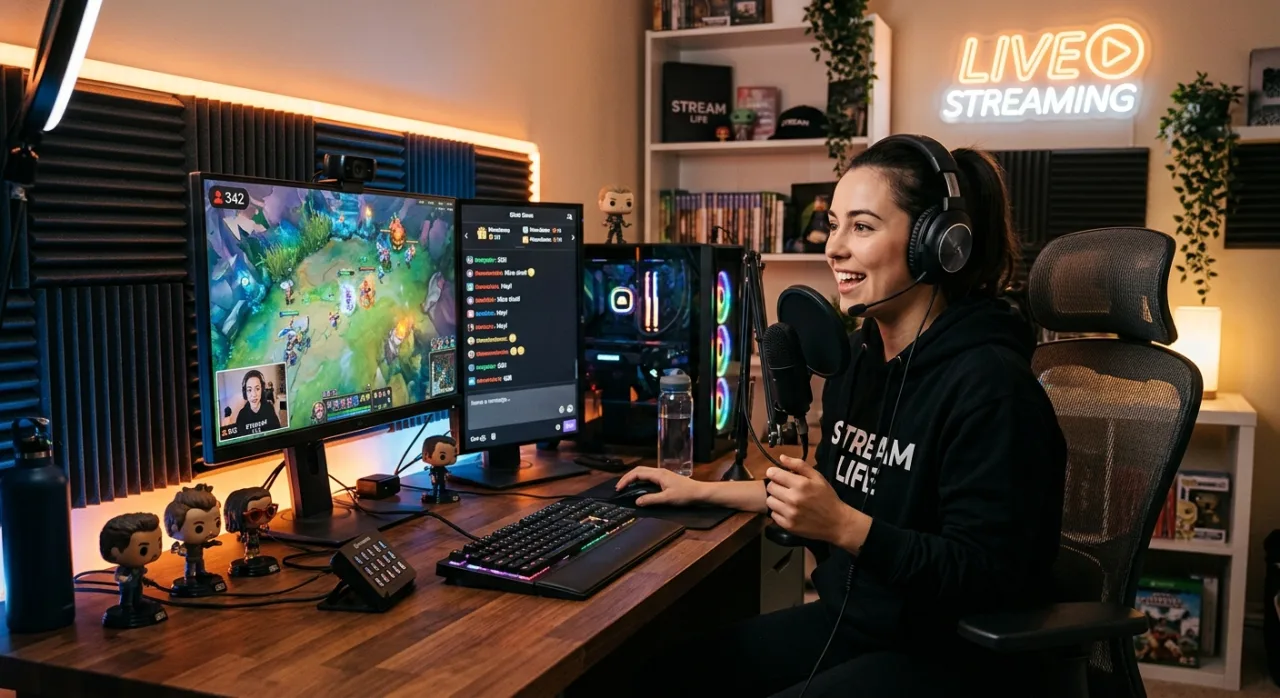
 A streamer broadcasts live or recorded video content across the internet, building a real-time connection with a global audience. Whether sharing competitive gameplay, demonstrating complex skills, hosting live discussions, or performing music, streaming has evolved from a niche hobby into a dominant force in modern digital entertainment.
Anyone equipped with basic hardware, a stable internet connection, and a clear creative vision can launch a stream today. This guide breaks down everything you need to know to start broadcasting, select the right platform, optimize your setup, and grow a loyal community.
What Does a Streamer Actually Do?
At its core, a streamer’s job is to entertain, educate, and engage. While the broadcast itself is the most visible part of the role, successful creators balance both live performance and backend management:
-
Real-Time Entertainment: Delivering dynamic commentary while playing games, reviewing news, demonstrating skills, or conversing with viewers.
-
Community Moderation: Managing live chat rooms to maintain a positive environment, answer questions, and foster active viewer participation.
-
Technical Management: Monitoring audio levels, switching visual scenes, and ensuring frame rates remain smooth throughout the broadcast.
-
Post-Stream Evaluation: Reviewing recorded VODs (Video on Demand) to identify areas for performance and production improvement.
Essential Gear: Building Your First Setup
You do not need an enterprise production studio to start streaming. Focus on upgrading your setup incrementally as your channel grows.
The Core Equipment Checklist
| Gear Component | Beginner Baseline | Recommended Upgrade | Why It Matters |
| Broadcasting Device | Smartphone or mid-range laptop | Dedicated Gaming/Streaming PC | Powers your broadcast software and games smoothly without frame drops. |
| Audio Input | Standard headset microphone | USB or XLR Dynamic Microphone | Audio quality is critical. Viewers will tolerate mediocre video, but poor audio drives audiences away instantly. |
| Visual Capture | Built-in webcam or smartphone | 1080p Web Camera or DSLR | Shows your real-time reactions and helps establish a personal connection with viewers. |
| Lighting | Natural window light / desk lamp | LED Key Light or Ring Light | Ensures clean, sharp video quality regardless of room conditions. |
| Connection | Wi-Fi network | Direct Ethernet (Cable) Connection | Eliminates lag spikes, buffering, and sudden stream disconnects. |
Choosing the Right Streaming Platform
Selecting the right broadcasting platform depends on your target audience and content format.
1. Twitch
-
Primary Focus: Live gaming, esports, creative arts, and real-time interaction.
-
Best For: Creators who prioritize live community building and real-time chat engagement.
2. YouTube Live
-
Primary Focus: Long-form video, live events, gaming, and evergreen tutorial content.
-
Best For: Streamers who want to combine live broadcasts with permanent, searchable video uploads.
The 3 Pillars of Streaming Growth
Building an organic audience requires strategy, consistency, and execution. Follow these three core practices to scale your reach:
[ Consistency ] ───► Broadcast on a strict, predictable schedule.
[ Niche Focus ]  ───► Master one core topic before diversifying content.
[ Value First ]  ───► Focus on viewer experience over raw audience metrics.
-
Establish a Predictable Schedule: Treat your stream like a scheduled broadcast. Loyal viewers return when they know exactly when you go live.
-
Repurpose Content Across Platforms: Cut long streams into short clips or highlights to share on short-form video platforms, funneling new viewers back to your live channel.
-
Engage Authentically: Address chat participants directly, ask open-ended questions, and create an inclusive environment where viewers feel valued.
Monetization: Turning Your Channel Into a Business
Monetization comes as a natural result of building an engaged, dedicated audience. Once you meet platform eligibility milestones, you can unlock multiple revenue streams:
-
Subscriptions & Channel Memberships: Monthly recurring support directly from your most loyal fans.
-
Direct Viewer Tips & Bits: One-time micro-donations sent during live broadcasts.
-
Brand Sponsorships & Marketing: Paid partnerships to promote products, games, or services tailored to your demographic.
-
Affiliate Links & Merchandise: Earn commissions by recommending gear or selling branded apparel.
Focus on building trust and delivering consistent value first financial returns follow sustainable community growth.